The Complete Guide to Google Business Profile Optimization
- google-business-profile
- local-seo
- contractor-marketing
Google Business Profile is the free Google tool that helps contractors show up in Google Search and Maps when local homeowners are ready to call, compare reviews, view project photos, and request an estimate. For a contractor, an optimized business profile on Google is often the difference between being found in the Local Pack and losing the job before your website is ever visited.
Table of Contents
- What is Google Business Profile for contractors?
- Why having an unoptimized profile is costing you jobs
- The 6 Google Business Profile elements that actually get you hired
- How much should contractors invest in Google Business Profile management?
- The 7 most common Google Business Profile mistakes contractors make
- Tools and resources for Google Business Profile optimization
- FAQ
Introduction
Google Business Profile, often shortened to GBP, is one of the highest-impact local marketing assets a contractor can manage because it controls how your business appears across Google Search and Maps. Google Business Profile (GBP) is a free digital tool that allows businesses to manage their presence across Google Search and Google Maps.
If you are a general contractor, roofer, HVAC company, plumber, electrician, landscaper, remodeler, or home service business doing roughly $500K-$5M per year, this guide is written for you. Your future customers are already comparing contractors on Google; the only question is whether your profile gives them enough confidence to call.
In this guide, you'll learn:
- How to set up a contractor Google Business Profile correctly
- Which profile elements affect visibility, calls, and conversions
- How reviews, photos, service areas, posts, and Q&A help customers find you
- What it should cost to manage your profile each month, whether DIY or professional
We have seen the same pattern across contractor campaigns: the companies that consistently win more local leads are not always the biggest brands. They are the ones with complete information, recent reviews, strong project photos, accurate service area settings, and a profile that tells customers exactly why they should continue from Google to a phone call.
What is Google Business Profile for contractors?
Google Business Profile is a free tool that lets a contractor manage how the business appears on Google Search and Maps. GBP allows businesses to display crucial information such as address, hours, photos, and updates, significantly improving local visibility and credibility.
For contractors, the profile works differently than it does for a retail store. Most trades are service-area businesses, meaning customers do not usually visit a public storefront. Instead, you set the cities, postal codes, or regions you serve, hide your address when appropriate, and make sure your phone number, website, hours, services, photos, and description are accurate.
A complete contractor profile includes a verified account, primary and secondary categories, detailed services, a strong business description, service area, reviews, project photos, videos, Google Posts, Q&A, messaging, booking links, and consistent contact information.
What it does not replace: your website, local SEO strategy, service pages, paid ads, CRM, or follow-up system. GBP serves as a critical asset for local Search Engine Optimization (SEO), helping businesses attract, interact with, and convert local consumers, but it works best as part of a complete marketing system.
Why having an unoptimized profile is costing you jobs
An incomplete Google Business Profile costs contractors real jobs because local searches are high-intent. 46% of all Google searches have local intent (Google, via Search Engine Roundtable, 2018), and a typical Google Business Profile generates thousands of monthly views - the majority from discovery searches, meaning people who found you without already knowing your name.
The Local Pack is the map section that appears near the top of Google search results for terms like "roof repair near me," "emergency plumber," or "deck builder in [city]." Maintaining accurate profile activity is essential to maximize discoverability in local search rankings and secure a spot in the Google "Local Pack". If your business profile is incomplete, stale, or poorly categorized, competitors with stronger profiles get the calls first.
The buyer journey has changed. A homeowner now searches on Google, scans the Local Pack, opens a profile, checks reviews, looks through photos, compares services, visits the website, and then calls or sends a message. Personalizing your Business Profile with photos, offers, and posts can help turn people who find you on Google Search and Maps into new customers.
This is why the "small" profile details matter. A missing service, wrong category, outdated phone number, vague service area, or old review response can create enough doubt for people to avoid you and call someone else.
The 6 Google Business Profile elements that actually get you hired
Complete business information and service areas
Your business information is the foundation of your Google Business Profile because Google uses it to understand who you are, what you do, and where you should rank. Selecting a hyper-specific primary business category is crucial as Google heavily relies on this tag to align profiles with local user intent. "Electrician," "Roofing Contractor," or "HVAC Contractor" is usually stronger than a generic "Contractor" category.
Set your service area carefully. Contractors should usually list specific cities, postal codes, or regions instead of relying on a vague radius. If you do not serve customers at a storefront, hide the address and make the service area clear. This helps Google, and it helps customers know whether you can actually take the job.
Your profile should also include accurate hours, your phone number, website, appointment or booking links, and a complete description. You can edit your verified Business Profile on Google to keep your business info accurate and up to date, including details like your address, hours, contact info, and photos. To edit your Business Profile, you need to sign in to the Google Account that's linked to your profile, and certain features may differ between Search and Maps.
A well-optimized profile should also connect directly to the right website pages. If someone searches for "sump pump repair" or "storm damage roof inspection," your service listing, description, and website links should all reinforce that relevance.
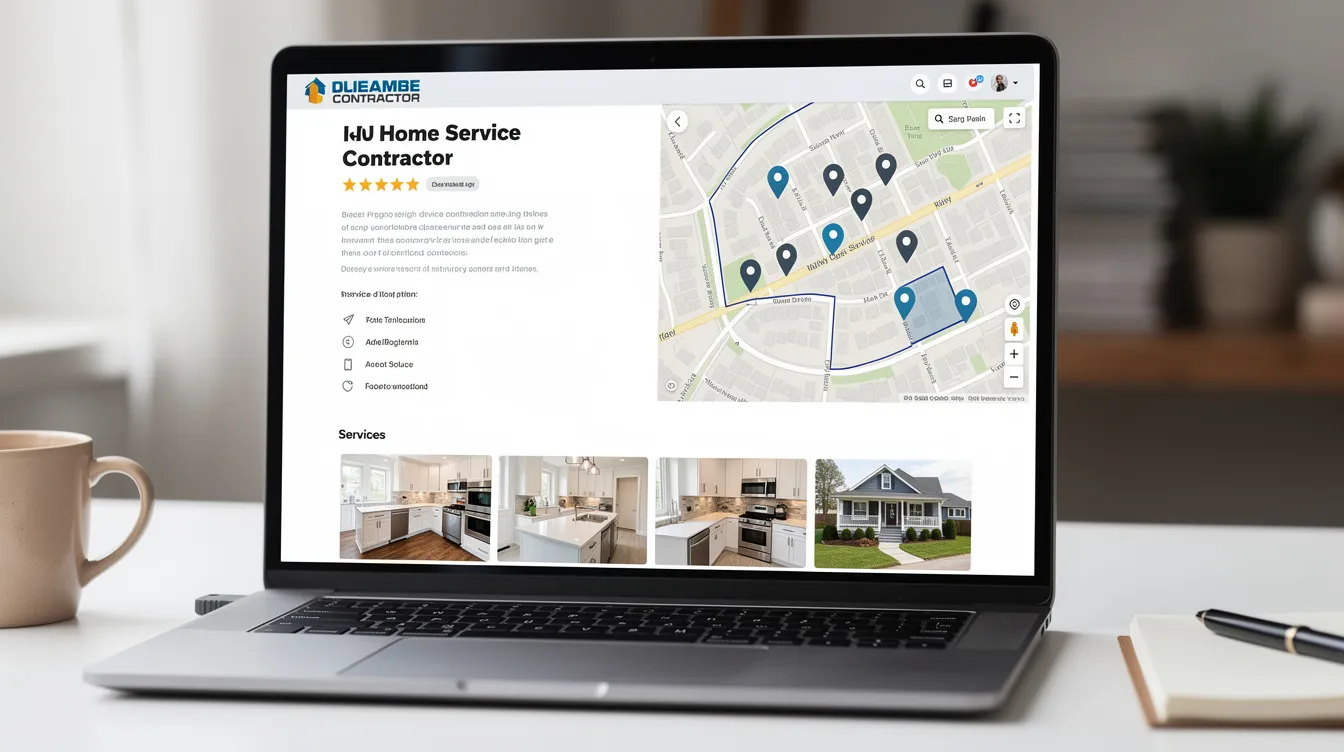
Professional photos and project galleries
Photos help potential customers decide whether your work looks credible before they call. For contractors, the best images are real: before-and-after projects, team members on-site, branded vehicles, tools, finished work, in-progress jobs, and service area photos. Avoid stock imagery because it does not build the same trust or experience.
Key features of GBP include managing business listings, customer reviews, photo and video sharing, and direct messaging, which enhance visibility and boost engagement. Regular uploads of authentic photos or short videos signal to algorithmic filters that the business is operating consistently. That matters because an active profile looks more reliable to both Google and potential customers.
Upload a strong initial gallery, then continue adding new visuals every month. A practical rhythm is 25-30 photos during setup, followed by 2-4 new photos per month. Seasonal relevance also matters: snow removal in winter, AC repair in summer, exterior work during warmer months, and emergency repairs when demand spikes.
Videos can also help. Short clips of completed projects, crew walkthroughs, or simple "what we fixed" explanations can be repurposed from your phone, website, social media, or YouTube. They do not need to be overproduced; they need to be clear, authentic, and useful.
Customer reviews and review management
Reviews are one of the strongest trust signals on your Google Business Profile. Homeowners do not just look at your star rating; they read the words, check recency, look for similar projects, and notice whether you respond like a professional.
The best time to ask for a review is right after job completion, while the experience is still fresh. Send a direct SMS or email with your Google review link, mention the specific project, and make it easy. Generic review requests often underperform; personalized requests usually get a much stronger response.
Engaging with customers by responding promptly to reviews and questions helps build credibility and trust. Respond to both positive and negative reviews within 24-48 hours when possible. Thank happy customers by name, mention the service performed naturally, and keep negative responses calm, specific, and solution-focused.
Review volume, rating, and recency all matter. Many local markets become more competitive once top contractors pass 50+ reviews. A 4.5+ rating with recent, detailed reviews often looks more believable than a perfect but thin profile. The goal is not only more reviews; the goal is a steady review system that proves your business is active every month.
Google Posts and regular updates
Google Posts are short updates published directly to your profile. Publishing regular updates through Google Posts keeps the profile active and engages potential customers. For contractors, useful post types include completed project highlights, limited-time offers, seasonal promotions, safety reminders, financing announcements, new service launches, hiring updates, and community involvement.
Post at least once per week if possible. Weekly activity gives customers fresh information and gives Google more context about what your business currently offers. Posts with photos, clear headlines, and a direct call-to-action usually perform better than text-only updates.
Seasonality is especially important for trades. An HVAC company should not feature furnace tune-ups as the main offer in July if AC repair is driving demand. A roofer should talk about storm inspections after heavy weather. A landscaper should adjust posts around spring cleanup, summer maintenance, fall leaf removal, or winter services.
Use calls to action that match the searcher's intent: "Call for an estimate," "Book an inspection," "Request emergency service," "View our recent project," or "Get a quote." Activating messaging and adding booking links allows users to interact and book directly, boosting conversions from search results.
Accurate business attributes and services
Your services section should never be blank. Google pulls text from the Services section to satisfy highly targeted, high-intent local queries. List each major service clearly, then add short descriptions where appropriate.
For example, a roofing contractor might list roof replacement, roof leak repair, storm damage inspection, flat roofing, emergency tarping, skylight repair, and gutter installation. A plumbing company might list drain cleaning, water heater replacement, sewer line repair, sump pump installation, leak detection, and emergency plumbing.
Attributes help let customers know what makes your business easier or safer to hire. Use relevant options such as licensed, insured, free estimates, emergency service, warranty available, veteran-owned, women-owned, or online estimates when they truly apply. Do not over-optimize by stuffing keywords into every field; accuracy is better than noise.
Connect your profile services to your website service pages. If your business profile lists "water heater installation," your website should have a relevant page that explains that service, shows proof, and gives people a way to call or book. This alignment strengthens trust and reduces the chance of an error between Google, your site, and other directories.
Q&A section optimization
The Q&A section is often ignored, which makes it a risk and an opportunity. Anyone can ask questions on your profile, and in some cases, people outside your business may answer. If you do not monitor this section, inaccurate information can sit publicly on your listing.
Pre-populate common questions that your customers already ask. Good contractor Q&A topics include service areas, licensing, insurance, warranties, estimate cost, emergency hours, financing, materials, project timelines, permits, and cleanup. Answer in plain language and include helpful links when a detailed page exists on your website.
Use Q&A to remove objections before the call. If customers worry about hidden fees, say how estimates work. If they ask whether you serve a specific city, answer clearly. If they want proof of experience, mention years in business, certifications, or project types.
Check Q&A weekly alongside reviews, photos, and posts. Active and context-rich profiles are favored for citations inside Google's AI Overviews, and Q&A gives Google more clear, customer-friendly information about what your business does.
How much should contractors invest in Google Business Profile management?
A complete Google Business Profile setup usually takes 5-10 hours if done properly. That includes verification, category selection, service area setup, services, description writing, photo uploads, posts, Q&A, messaging, booking links, and checking Name, Address, and Phone number consistency.
Ongoing management is lighter but still important. Most contractors should plan for at least 15-30 minutes per week to manage your profile: respond to reviews, answer questions, upload photos, publish posts, check insights, and correct outdated information. During the first three months, expect more time because you are building review velocity, photo depth, and content activity.
Cost depends on whether you handle it yourself or hire help:
- DIY: Free platform cost, but you invest your own time and may pay for a review tool.
- Freelancer or specialist: Often $300-$750 per month depending on posting, reporting, and review support.
- Agency management: Often $500-$1,000+ per month when bundled with local SEO, content, call tracking, and website optimization.
The ROI can be significant because a strong GBP can produce a large share of contractor calls. Providing actionable insights helps businesses understand how customers find their profiles, such as clicks to their website or direction requests. Use these insights to track calls, website visits, messages, direction requests, and search terms.
Not sure whether your profile is helping or hurting you? A professional Google Business Profile audit can identify category errors, missing services, weak photos, review gaps, service area issues, and conversion problems before you spend more on ads.
The 7 most common Google Business Profile mistakes contractors make
1. Claiming the profile but never optimizing it A verified profile is only the starting point. If you claim it and then leave services, photos, posts, Q&A, and updates untouched, competitors with active profiles will usually look more credible.
2. Using low-quality or irrelevant photos Blurry images, stock photos, old projects, and empty galleries reduce trust. Regular uploads of real job photos and short videos show people that your business is active and gives Google more context.
3. Ignoring customer reviews or responding unprofessionally Not responding makes your business look disengaged. Angry, defensive, or copy-paste replies can be even worse. Every review response should sound calm, specific, and written by a real person.
4. Incorrect service area settings limiting visibility A service area that is too broad can confuse relevance, while one that is too narrow can limit reach. Contractors should set service areas around the cities or postal codes they actually serve.
5. Not utilizing Google Posts and regular updates A stale profile sends the wrong signal. Publishing regular updates through Google Posts keeps the profile active and engages potential customers, especially when your offers match seasonal demand.
6. Inconsistent business information across online platforms Keeping Name, Address, and Phone number (NAP) data identical across the website and other directories prevents dilution of local SEO ranking signals. If Google sees conflicting information, your local position can suffer.
7. Focusing only on star rating instead of review quality and responses A 5.0 rating with few reviews is not always stronger than a 4.7 rating with many detailed, recent reviews. Quality, keywords, recency, response rate, and project relevance all influence customer confidence.
Tools and resources for Google Business Profile optimization
Google Business Profile Manager Use the official Google tool to manage your profile, update business information, upload photos, publish posts, answer Q&A, review insights, and correct errors. You will need to sign in with the Google account connected to the profile.
Google Search and Maps Some edits and visibility checks happen directly in Google Search and Maps. Since certain features may differ between Search and Maps, check both when reviewing how your listing appears to customers.
Review management platforms BirdEye, GoHighLevel, and Northline can automate review requests by SMS or email after job completion. These platforms are useful when your team needs a repeatable system instead of remembering to ask manually.
Photo and video tools Use a good smartphone camera, basic editing tools, and a shared folder system for project photos. Short videos can also be reused on your profile, website, social media, and YouTube.
Analytics and local ranking tools Google Analytics 4, Google Search Console, BrightLocal, Whitespark, Moz Local, and call tracking tools help measure profile activity, website clicks, calls, keyword visibility, and local position changes.
CRM and integration tools Jobber, ServiceTitan, JobNimbus, HubSpot, and GoHighLevel can connect job completion workflows to review requests, follow-up messages, booking links, and customer communication.
FAQ
How long does it take to see results from Google Business Profile optimization? Most contractors can see early improvements in activity within 30 days if the profile is incomplete and then properly optimized. Local Pack movement for moderate-competition terms often takes 60-90 days. In very competitive metro markets, meaningful ranking gains can take 6-12 months.
Can contractors with service areas rank as well as those with storefronts? Yes, service-area contractors can rank well when the profile is accurate, active, and supported by strong reviews and local relevance. Google does not require every contractor to have a public storefront. The key is to set the service area correctly, avoid address confusion, and keep the profile updated.
How many reviews do contractors need to compete locally? There is no universal number, because the right benchmark depends on your competitors. In many local markets, 50+ reviews with a strong rating and recent review activity creates a competitive baseline. If the top contractors in your area have 200 reviews, your strategy needs to close that gap over time.
What's the difference between Google Business Profile and Google Ads for contractors? Google Business Profile supports organic local visibility in Google Search and Maps, while Google Ads is paid placement. Ads can create immediate traffic, but they do not replace a strong business profile in the Local Pack. Contractors usually get the best results when GBP, SEO, website conversion, and ads work together.
How often should contractors update their Google Business Profile? Contractors should update their Google Business Profile at least weekly. A good weekly routine includes one post, new photos when available, review responses, Q&A checks, and any needed changes to hours or services. Seasonal updates should happen whenever demand changes.
Do contractors need different profiles for different service areas? No, most contractors should not create separate profiles for every city they serve. One strong profile with an accurate service area is usually better and safer than multiple thin or rule-breaking profiles. Separate profiles only make sense when there are legitimate, staffed business locations that meet Google's guidelines.
You now understand Google Business Profile optimization better than 90% of contractors
A strong Google Business Profile is not just an online listing. It is a local conversion asset that helps customers find your business, trust your work, compare your services, and contact you directly from search results.
Here are the three biggest takeaways:
- Your category, service area, services, NAP data, website links, and description determine whether Google understands your business.
- Reviews, photos, videos, posts, Q&A, messaging, and booking links influence whether people trust you enough to call.
- Consistent profile activity every month helps you avoid stale visibility and compete for stronger Local Pack position.
Ready to put this into action? Let's chat and we'll show you where your profile is leaking visibility, calls, and qualified leads.
Want to go deeper? Read our related guides on Local SEO for Contractors and Contractor Website Design.